
The most precious commodity we have today is time. You can argue all you want, but when it’s gone, you can never get it back. (Health is a close second when listing precious commodities). It seems like I blinked and already we are in the last half of March – when only a minute ago, we were counting down to the new year…for 2013. We are bombarded at all sides with responsibilities to family and work and trying to sneak away some time to edit and build our businesses, so anything that may offer some relief and save us time is welcome.
I’ve posted a few infographics for social media resizing here in the last few months, and they undoubtedly have been timesavers, but still, resizing all those images does take time and sometimes, the charts we refer to may be outdated. So, aside from hiring an intern who probably has a better handle on the changing social media sizes (and more time to do these things), are there any other efficient ways to optimize your images across all the social media platforms? There is now.

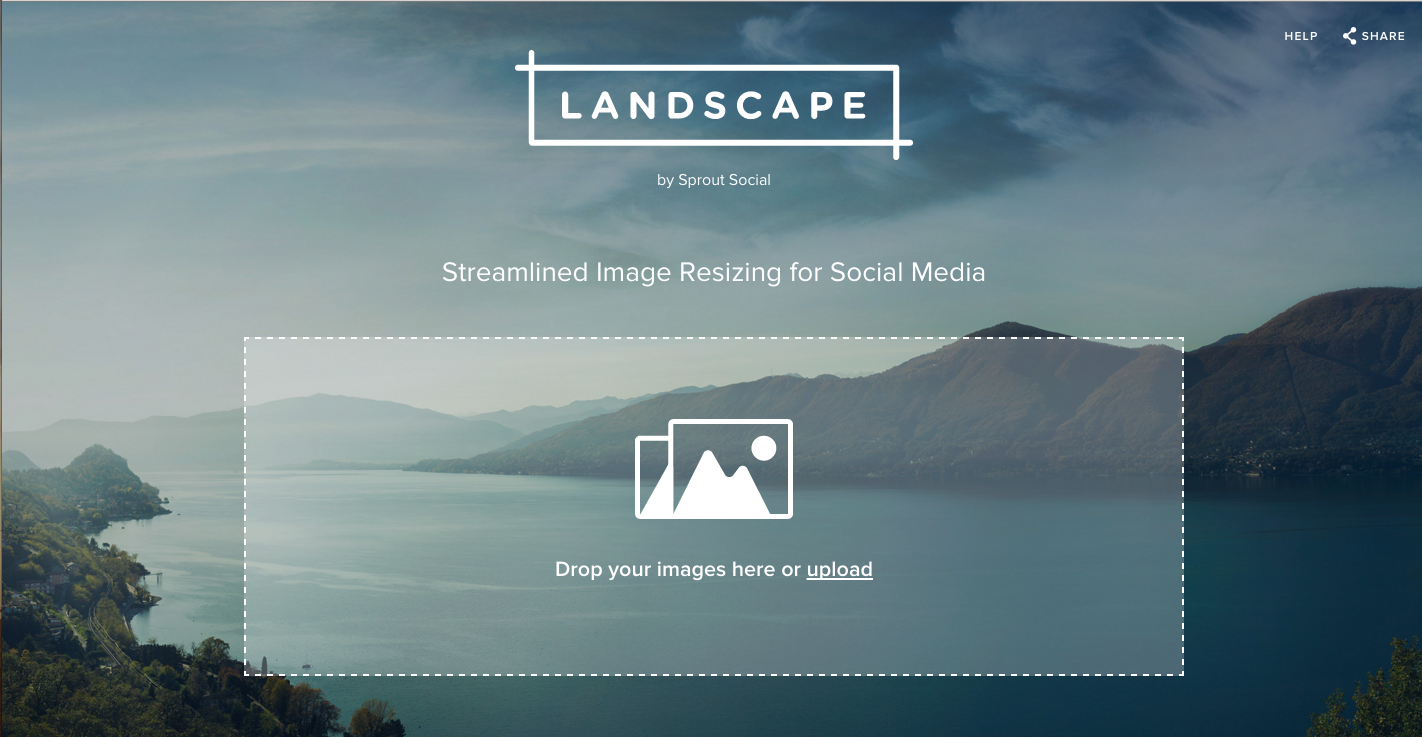
Sprout Social, a social media management software company, has just released Landscape, a free, time-saving tool to help save us precious time and headaches (might I add). With Landscape, you can upload one image and with a few clicks you can customize that picture and optimize it for Twitter, Facebook, LinkedIn, Instagram, Google+, Pinterest, YouTube and there’s also a custom option. Each social media network has a variety of options so you can choose from sizing for a profile picture, a cover photo and so forth.

After choosing the various networks, you’ll get a chance to crop the image and then press download. The files then magically appear in a folder on your desktop (or wherever you have set your download to save), renamed for each network and are ready for you to post to social media. Try it out here.
No word on how often they are going to update the dimensions, but as they are also the creators of an Always-Up-to-Date Infographic, I assume that Landscape will be “always-up-to-date” as well.
What are you going to do with all this newfound free time?









